
E-Way Bill for Manufacturers: What Triggers It, How to Generate It, and Common Mistakes
E-Way Bill is required for shipments above ₹50,000. Manufacturers frequently make mistakes on Part B. This guide covers the full workflow in ABSS Books.
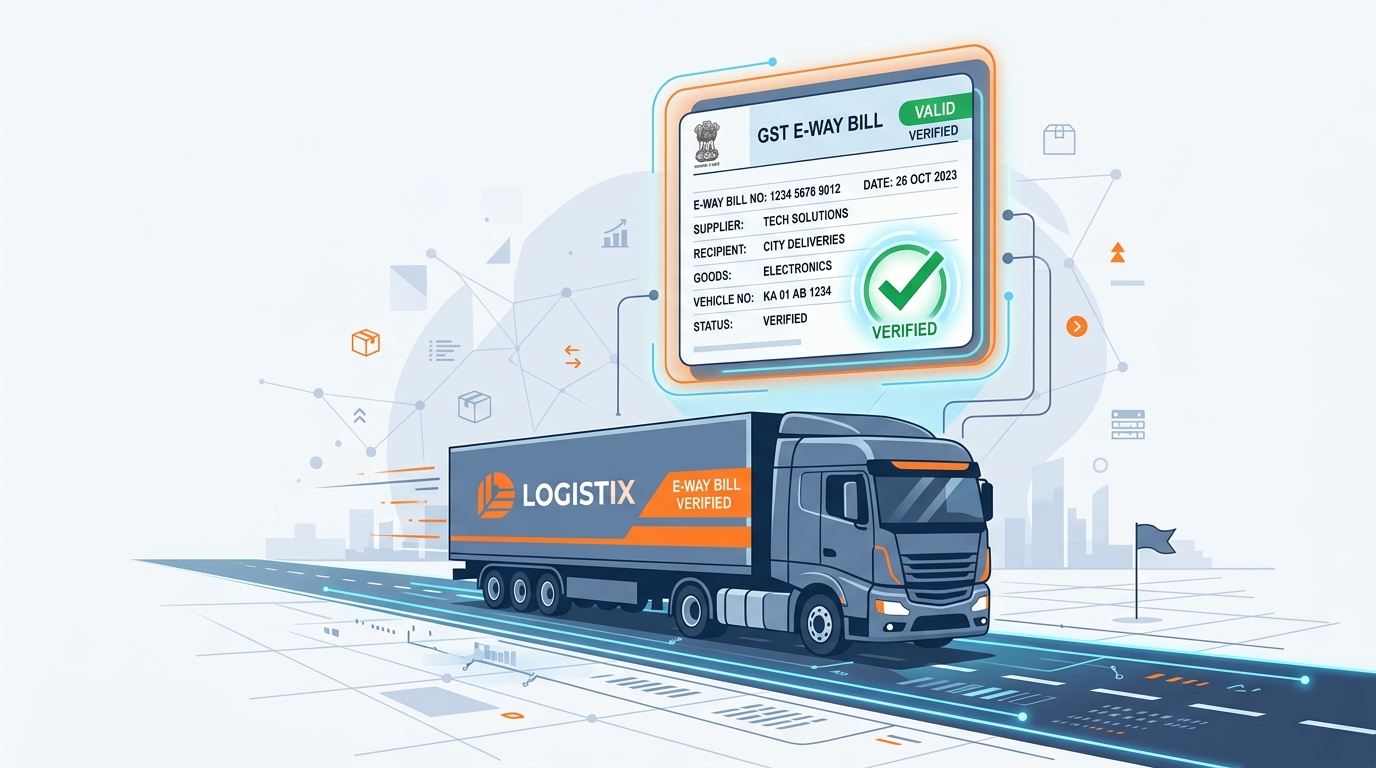
An E-Way Bill is the electronic document that must accompany goods in transit above ₹50,000 in value. For manufacturers moving raw material, semi-finished goods between units, and finished stock to customers, it's a daily operation - and a daily source of small mistakes that cause big delays at check posts.
This guide covers exactly what triggers an E-Way Bill, how ABSS Books generates it alongside the invoice, and the Part B mistakes manufacturers make most often.
TL;DR
- ✓E-Way Bill is mandatory for consignments above ₹50,000
- ✓Part A is invoice detail; Part B is the vehicle number
- ✓ABSS Books generates the E-Way Bill from the invoice in one click
- ✓Most delays come from a missing or wrong Part B vehicle update
What Triggers an E-Way Bill?
An E-Way Bill is required whenever goods worth more than ₹50,000 move - whether it's a sale, a branch transfer, a job-work dispatch, or a return. Manufacturers hit all of these, which is why an automated workflow matters more here than for a pure trader.
Sale to a customer > ₹50,000
Standard outward supply
Inter-unit / branch transfer
Even without a sale value
Goods sent for job work
Against a delivery challan
Consignment ≤ ₹50,000
Generally not required
Sales return / rejection
Movement still needs a bill
Non-motorised transport
Exempt from E-Way Bill
Part A vs Part B
| Part | Contains | Filled By |
|---|---|---|
| Part A | GSTINs, invoice no., value, HSN, place of supply | Auto-filled from the ABSS invoice |
| Part B | Transporter ID / vehicle number | Added at dispatch, before the vehicle moves |
Generate an E-Way Bill in ABSS Books
Create the invoice or challan
Part A is built automatically from the document - GSTINs, values, and HSN codes are already there.
Click 'Generate E-Way Bill'
ABSS sends Part A to the NIC portal and returns the 12-digit E-Way Bill number instantly.
Enter Part B (vehicle)
Add the vehicle number or transporter ID. This is the step most teams forget - the bill isn't valid for transit without it.
Print and dispatch
Print the E-Way Bill with the invoice. Update the vehicle number in ABSS if the goods are trans-shipped en route.
Common Mistakes and How to Avoid Them
Vehicle number never updated
A Part A without Part B is invalid in transit. ABSS reminds you to add the vehicle before the goods leave - never dispatch on Part A alone.
Wrong distance / expired validity
Validity is based on distance (roughly one day per 200 km). Enter the correct PIN-to-PIN distance so the bill doesn't expire mid-transit.
No bill for branch transfers
Inter-unit movement needs an E-Way Bill even without a sale. Raise a delivery challan in ABSS and generate the bill against it.
Cancelling too late
An E-Way Bill can only be cancelled within 24 hours and only if goods haven't moved. Cancel or amend promptly from the ABSS document.
Generate E-Way Bills Straight From Your Invoice
Part A auto-filled, Part B reminded, validity calculated - no check-post surprises.